Google Analytics 4 Setup for Kenyan Businesses: Track WhatsApp Clicks, Calls and Form Leads
To set up Google Analytics 4 for a Kenyan business, create a GA4 property, install the tag through Google Tag Manager, mark WhatsApp clicks, phone clicks and form submissions as key events, extend data retention to 14 months, link Google Ads and Search Console, and use UTM tags on every campaign link so leads can be traced to their source.

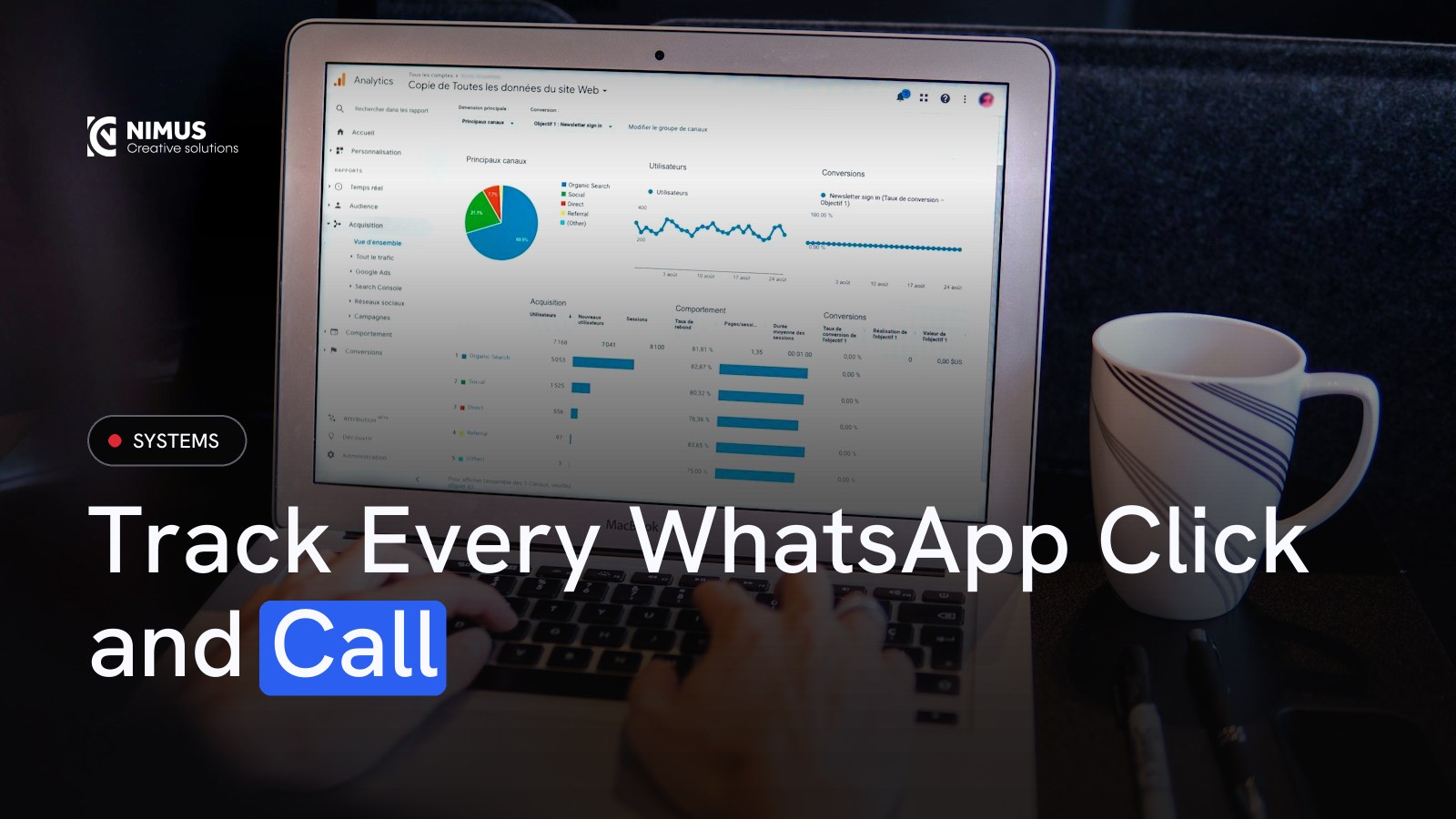
Ask a Kenyan business owner which marketing channel brought their last ten customers and most will guess. The website has Google Analytics installed, but it only counts visitors. It does not know who tapped the WhatsApp button, called the office or filled in the form.
That is fixable in an afternoon. This guide walks through a GA4 setup that tracks the actions that matter for Kenyan businesses, where much of the selling happens on WhatsApp and the phone.
What GA4 should tell you
- How many people contacted you this month, by WhatsApp, phone and form.
- Which channel they came from: Google search, Google Ads, Instagram, TikTok, email or direct.
- Which pages and campaigns produce enquiries, not just visits.
- Where visitors drop off before contacting you.
Step 1: Create the GA4 property
- Go to analytics.google.com with a business Google account you control, not a staff member’s or agency’s personal account.
- Create an account and a property, set the time zone to Nairobi and the currency to Kenyan shillings.
- Create a web data stream for your domain and keep Enhanced Measurement switched on.
Step 2: Install with Google Tag Manager
Google Tag Manager (GTM) lets you add tracking without editing website code each time. Install the GTM container on every page, then add the Google tag with your GA4 measurement ID, firing on all pages. Use GTM’s Preview mode to confirm it fires.
Step 3: Track the actions that matter
| Action | How to track it in GTM | Suggested event name |
|---|---|---|
| WhatsApp click | Link click trigger where the URL contains "wa.me" or "api.whatsapp.com" | whatsapp_click |
| Phone click | Link click trigger where the URL starts with "tel:" | phone_click |
| Email click | Link click trigger where the URL starts with "mailto:" | email_click |
| Form submission | Fire on the thank-you page view, or on a successful submit event | generate_lead |
| M-Pesa or card purchase | Purchase event with value and currency on the order confirmation page | purchase |
Then in GA4, go to Admin, Events, and mark these as key events (Google’s current name for conversions). Sending people to a dedicated thank-you page after a form is the most reliable way to count form leads.
Step 4: Change the settings most people miss
- Data retention: GA4 keeps detailed data for 2 months by default. Change it to 14 months under Admin, Data retention.
- Internal traffic: filter out your office IP address so staff visits do not inflate numbers.
- Unwanted referrals: exclude payment pages and booking tools so conversions are not credited to them.
- Consent: show a clear cookie notice and respect choices. Kenya’s Data Protection Act 2019 applies to personal data collected through your website.
Step 5: Link Google Ads and Search Console
Link Google Ads so key events can be imported as Ads conversions, which lets Google optimise for enquiries rather than clicks. Link Search Console to see which Google searches bring visitors. Both are under Admin, Product links.
Step 6: Tag every campaign link with UTMs
Instagram bios, TikTok profiles, WhatsApp broadcasts, email newsletters and influencer posts often show up as "direct" or "referral" in GA4. Add UTM parameters to every link you control:
yourdomain.co.ke/offer?utm_source=instagram&utm_medium=bio&utm_campaign=december_offer
Keep a simple shared sheet of your UTM naming so the whole team uses the same words.
Step 7: Read the reports that matter
- Reports, Acquisition, Traffic acquisition: sessions and key events by channel.
- Reports, Engagement, Pages and screens: which pages lead to contact.
- Explore, Funnel exploration: where visitors drop between landing, product page and contact.
- Advertising, Attribution: how channels work together before a lead.
The limit of GA4, and what to add
GA4 can tell you that someone clicked WhatsApp. It cannot tell you whether that chat became a KES 300,000 sale. To connect clicks to revenue, every enquiry needs to land in a CRM or lead dashboard with its source attached, and the sale recorded against it. That is how you calculate true cost per sale. See digital marketing KPIs that matter and custom CRM for lead tracking.
How Nimus sets up tracking
Every Nimus website ships with GA4, Tag Manager, key events for WhatsApp, calls and forms, Search Console and a lead dashboard where each enquiry is stored with its source. Our custom systems take this further, matching leads to M-Pesa payments and invoices.
Frequently Asked Questions
Can Google Analytics track WhatsApp clicks?
Yes. Use Google Tag Manager to fire an event when a visitor clicks a link containing "wa.me" or "api.whatsapp.com", send it to GA4 and mark it as a key event. GA4 then shows how many WhatsApp clicks each channel and page produced.
Is Google Analytics free?
Yes. Google Analytics 4 is free for the vast majority of businesses. A paid enterprise version, Analytics 360, exists for very large organisations with high data volumes and advanced needs.
What replaced conversions in GA4?
Google renamed conversions in GA4 to key events. You mark the events that matter, such as form submissions and WhatsApp clicks, as key events. Conversions in Google Ads are still called conversions and can be imported from GA4 key events.
Why does GA4 show so much direct traffic?
Links from WhatsApp, apps, PDFs and some social platforms often arrive without referral information, so GA4 labels them direct. Adding UTM tags to every link you share fixes most of this.
Want This Built For Your Business?
This is exactly the kind of thing we build. Book a free call and I'll tell you where to start.
Free download for this topic: Website Launch Checklist